Problem
Your shop texts customers for DVI results, estimates, review requests, and service reminders — often from more than one phone number. That's a lot of moving parts. How do you know those messages actually reach your customers, let alone that they trust what they're reading?
Skip a few precautions, and here's what happens to those texts instead:
- Carriers flag the number as SPAM, and the message never arrives at all.
- It arrives — but lands straight in the customer's SPAM folder, unread.
- It arrives from a number they don't recognize, asking them to tap a link. What's the natural response to that? Report and delete. That number is now dead to them for good.
Then there's the QR code you hand over at pickup for a review. Picture your customer walking out the door, keys in hand, already thinking about the drive home or back to work. That's not the moment they stop to leave you a review.
Solution
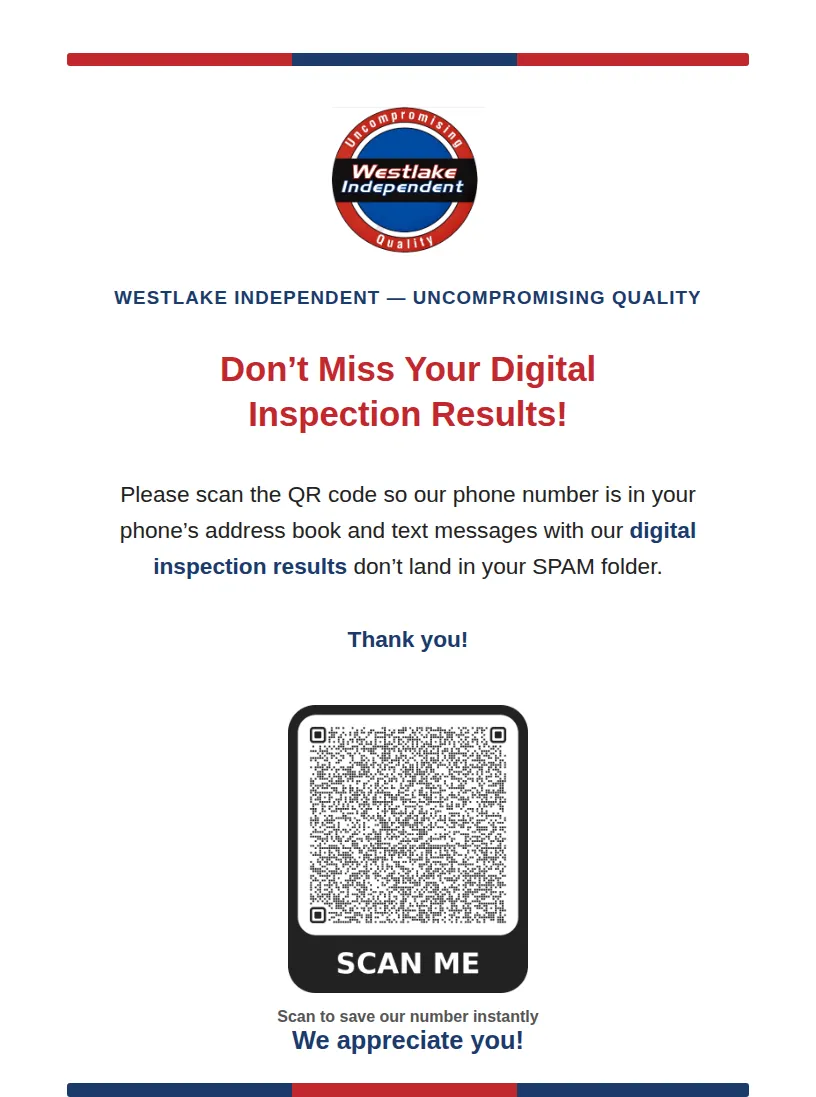
Put a flier like this one on your counter: ask customers to save your shop's contact info to their address book and scan the review QR code before they leave after dropping off the vehicle. Add the same ask as link to a page on your website to your appointment confirmation.
The payoff: up to two of your shop's phone numbers land in every customer's address book, iPhone or Android — and none of your texts get diverted anywhere but their inbox.
Implementation
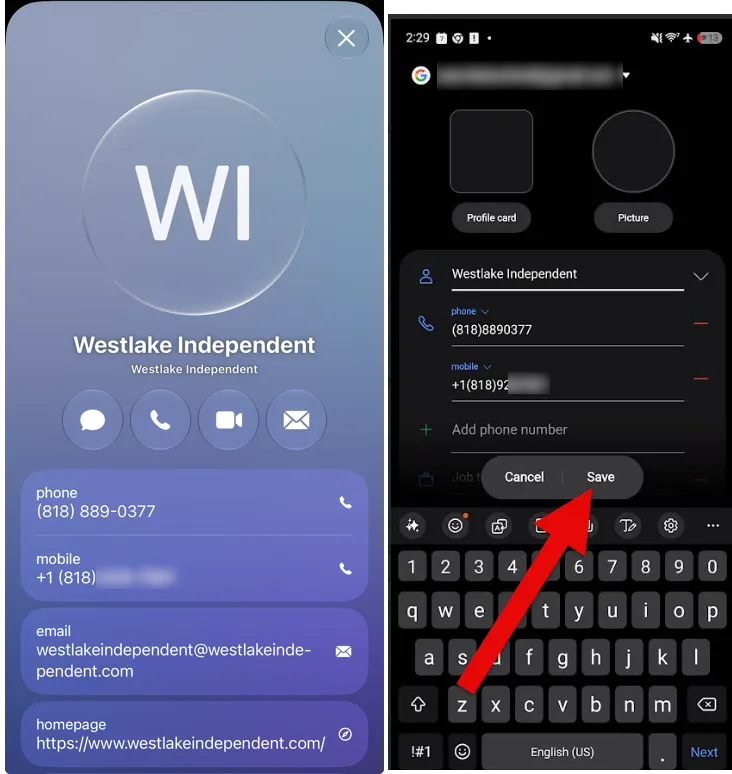
Use a vCard QR code generator site like https://hovercode.com/ to create a QR Code. See the screenshot below how to use it.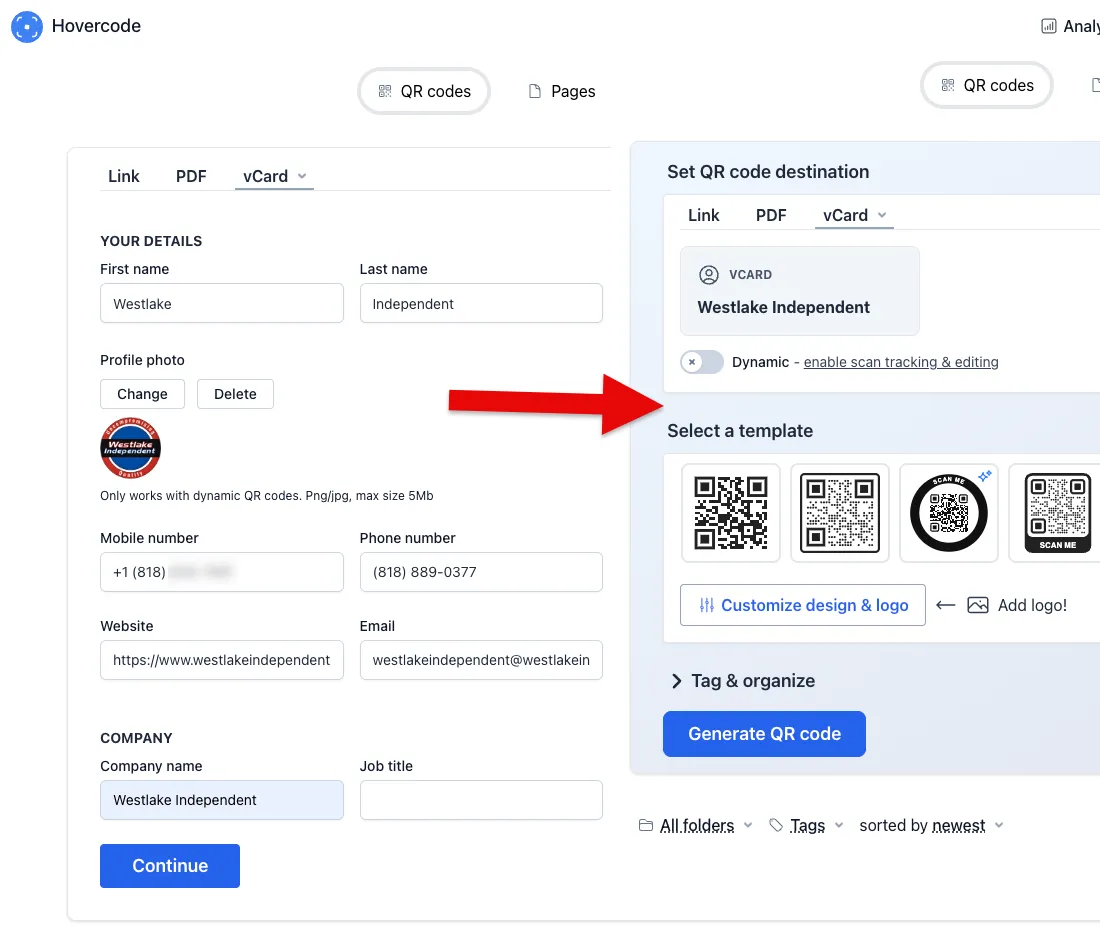
once your customer uses the QR code in three steps
- open camera app
- tap the link
- save the contact (screenshot below, iPhone on the left , Android on the right)
your contact is in your customers' address book. No SPAM anymore.
Other news
-
Car is Squealing When Driving
-
What is Preventative Maintenance and What Are The Benefits of it?
-
JobViewIQ - DVI Process Training - Part of the Auto Care Alliance Benefits

-
7 Signs of AC Pulley Issues
-
7 Signs of Clogged AC Components
-
How Much Does a Transmission Fluid Change Cost?
-
7 Signs of a Leaking Axle Seal